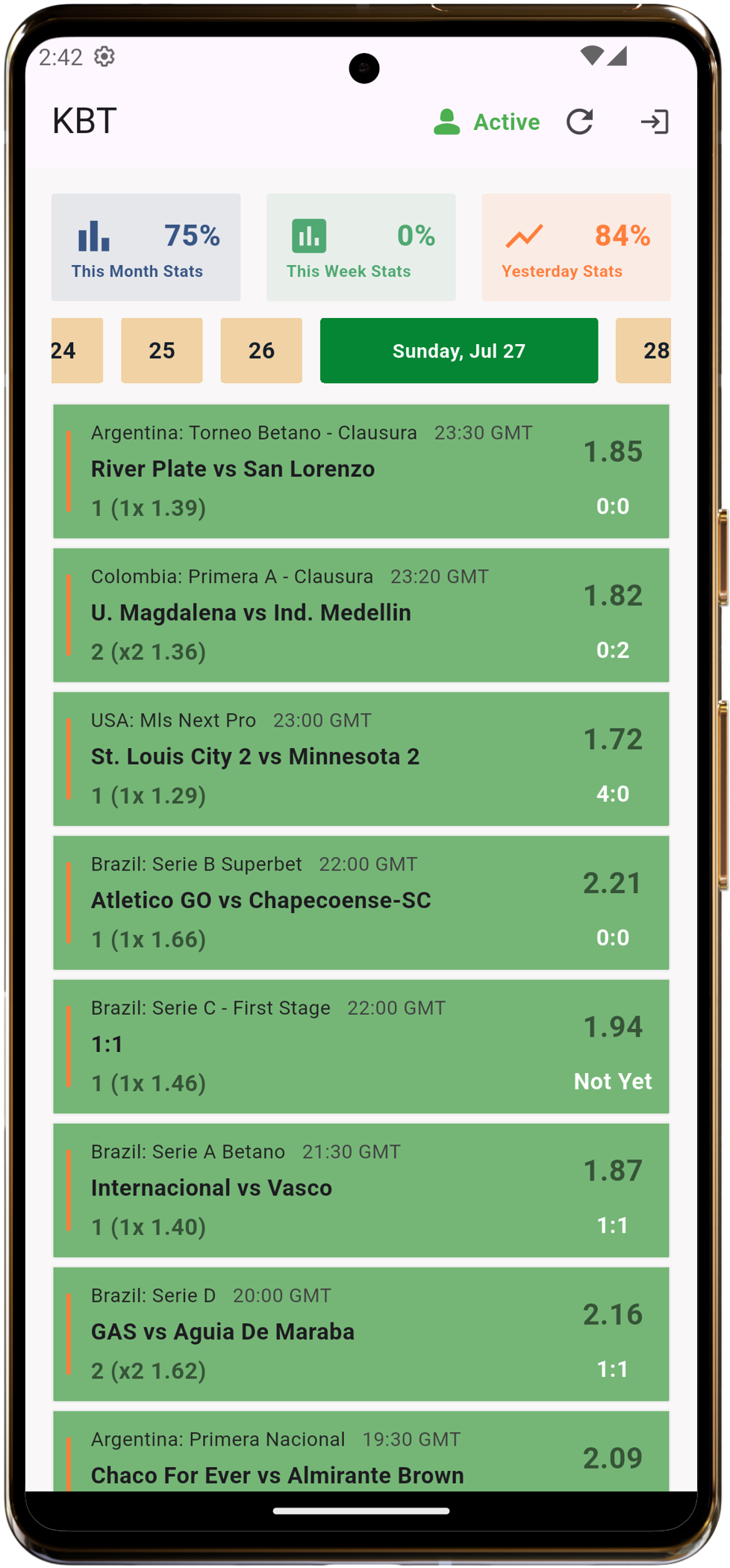
Kings Betting Tips Mobile App – Download Now
How to Install the King Betting Tips App on Your Android Device
🔔 Note: Since the King Betting Tips app is not yet available on the Google Play Store, you’ll need to manually install it (via APK file). This guide walks you through the process step by step.
📲 Step-by-Step Guide to Install the App
✅ Step 1: Download the App APK
Click the button below to download the latest version of the King Betting Tips app:

✅ Step 2: Enable “Install from Unknown Sources”
Android protects you from unauthorized apps by default. Since our app is not yet on the Play Store, you’ll need to temporarily allow installations from unknown sources.
Here’s how to do that:
⚙️ For Android 8 and Above:
- Go to your phone’s Settings.
- Tap Apps & Notifications (or just “Apps”).
- Tap Special App Access > Install unknown apps.
- Choose the browser or file manager you used to download the APK (e.g., Chrome or Files).
- Enable Allow from this source.
⚙️ For Android 7 and Below:
- Go to Settings.
- Scroll to Security.
- Enable Unknown Sources.
✅ Step 3: Install the App
- Open your Downloads or File Manager.
- Tap on the downloaded APK file (
kingbettingtips.apk). - Tap Install.
- Once done, tap Open to launch the app.
📹 Watch the Video Guide
Prefer a video walkthrough? Watch this step-by-step tutorial:
🚀 You’re All Set!
You can now start using King Betting Tips for expert predictions, stats, and smart alerts — all from your home screen.
If you face any issues, feel free to contact our support or chat with us directly in the app.
🔒 Is It Safe?
Yes. Our APK is scanned and verified for safety. We recommend downloading only from our official website to avoid tampered or malicious versions.
📩 Want App Updates?
Subscribe to push notifications or follow us on Telegram to be alerted whenever we release a new version.
What do you think? write a comment!
your email address will not be published required field market